

A fast-loading WordPress website is no longer a luxury—it is an essential requirement for online success. Speed affects everything: user experience, SEO performance, conversion rates, bounce rates, and brand reputation. When your website loads slowly, visitors lose patience, ranking positions drop, and potential revenue slips away. In a digital world where users expect instant responses, even a one-second delay can dramatically reduce engagement. This is why WordPress speed optimization has become a crucial part of modern website management.
At WpSpeedFixer.com, we help businesses achieve lightning-fast load times through advanced optimization strategies, performance tuning, Core Web Vitals improvements, and professional speed enhancement packages. Whether you run a content site, business website, or WooCommerce store, a fully optimized site boosts visibility, strengthens trust, and maximizes conversions.
Below is a detailed guide—based on the outline you requested—to help you understand and implement effective WordPress speed optimization.
Understanding Why WordPress Websites Become Slow
WordPress websites slow down for a variety of reasons, and understanding these causes is key to solving performance issues. The most common culprit is poor-quality hosting, especially shared hosting where hundreds of websites compete for limited resources. When CPU, memory, or storage speeds are low, your visitors will experience delays regardless of caching or optimization plugins.
Another major cause is bloated themes. Many multipurpose themes include excessive features, animations, sliders, and scripts that load even when not needed. This unnecessary code dramatically increases page size and slows down rendering.
Plugins also play a major role. While plugins add functionality, too many of them—or even one poorly coded plugin—can overload the database, add extra scripts, and impact TTFB (Time to First Byte).
Images are another major source of bloat. Uploading uncompressed, oversized images dramatically increases load times. Without compression, resizing, or next-gen formats like WebP, even a few images can significantly slow down your site.
Poorly optimized databases, outdated PHP versions, lack of caching, and too many external scripts also contribute to performance degradation.
The good news? Every one of these problems is fixable. And if you want professional assistance, WpSpeedFixer.com offers done-for-you optimization packages that solve all performance issues cleanly and efficiently.
How Website Speed Impacts SEO and Google Rankings
Google uses speed—and specifically Core Web Vitals—as an official ranking factor. A fast website gives search engines confidence that your page delivers value quickly and efficiently. The opposite is also true: slow pages tell Google that your site may frustrate users.
Core Web Vitals focus on:
- LCP (Largest Contentful Paint): How fast main content loads
- FID (First Input Delay): How quickly the site becomes interactive
- CLS (Cumulative Layout Shift): How stable the layout is
A site failing these metrics is likely to lose rankings against a competitor with better performance.
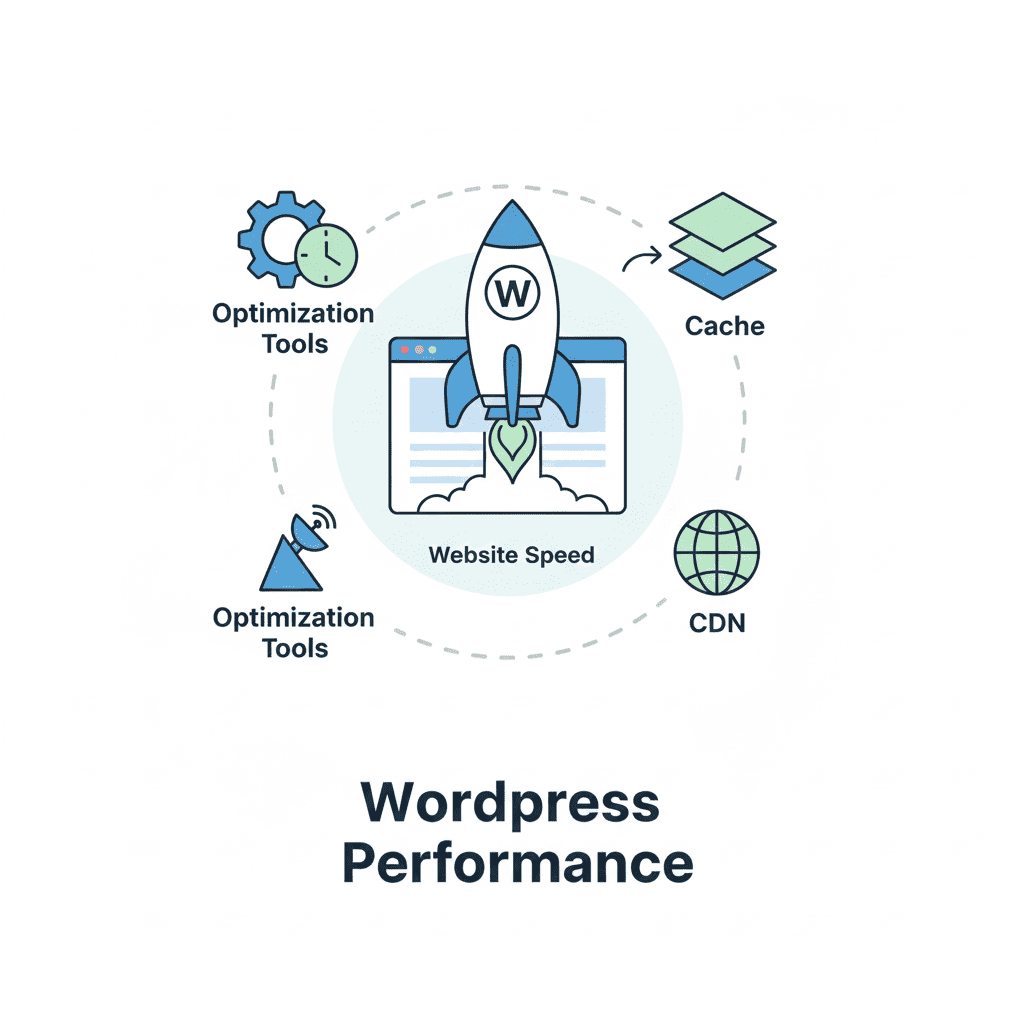
Speed also impacts bounce rate. Users click away when pages take too long to load, sending negative engagement signals to search engines. Faster websites keep users browsing longer, increasing conversions, sign-ups, and sales.
This makes WordPress speed optimization one of the most valuable investments for SEO growth. At WpSpeedFixer.com, our speed packages specifically target Core Web Vitals improvements to help your site climb search results faster.
Choosing the Right Hosting for Superior WordPress Performance
Your hosting provider is the foundation of your website’s speed. Even the best optimization practices cannot compensate for poor hosting.
Shared hosting is affordable but often slow, as resources are shared with hundreds of other sites. Performance can drop without warning whenever another site on the server experiences high traffic.
VPS hosting offers more control and better performance, but it requires technical knowledge and proper configuration.
Cloud hosting (AWS, Google Cloud, DigitalOcean) offers scalability and power but demands expert setup.
For most websites, managed WordPress hosting is the ideal solution. Providers like WP Engine, Kinsta, and SiteGround offer server-level caching, advanced security, optimized environments, and excellent uptime.
At WpSpeedFixer.com, we evaluate your current hosting setup and recommend the fastest, most reliable options tailored to your website’s needs.
Why Lightweight Themes Change Everything
A lightweight theme is one of the easiest ways to speed up your WordPress website. Heavy multipurpose themes load unnecessary CSS, JavaScript, and libraries, dramatically increasing page weight.
Lightweight themes such as:
- GeneratePress
- Astra
- Kadence
- Neve
are built with performance in mind and integrate seamlessly with modern page builders.
Switching to a lightweight theme can reduce your total page size by more than 50%, instantly improving loading speed and Core Web Vitals.
If your theme is slowing you down, WpSpeedFixer.com can help install and configure a performance-optimized theme without losing your design.
How to Optimize Images for Maximum Speed
Images typically account for more than 50% of a website’s total size. To optimize them:
- Compress images with tools like ShortPixel or Imagify
- Convert to WebP, a faster next-gen format
- Resize images to appropriate dimensions
- Implement lazy loading to delay off-screen images
By combining these techniques, your site loads dramatically faster, especially on mobile devices.
Our optimization packages at WpSpeedFixer.com include complete image optimization using industry-leading tools.
Using Caching to Accelerate WordPress
Caching reduces the need for repeated server processing and loads pages almost instantly. The most effective caching strategies include:
- Page caching
- Browser caching
- Database caching
- Object caching
- Server-level caching
Plugins like WP Rocket, W3 Total Cache, and LiteSpeed Cache perform these tasks automatically.
With proper caching, both desktop and mobile users experience significantly faster load times.
Minifying CSS, JavaScript, and HTML the Right Way
Minification removes unnecessary characters from code files, reducing size and improving load times. Combining (or “concatenating”) scripts also reduces the number of requests your site makes.
However, minifying incorrectly can break site functionality. This is why many website owners rely on professionals like WpSpeedFixer.com to implement safe, powerful minification without conflicts.
Optimizing Your WordPress Database for Peak Performance
Over time, WordPress accumulates:
- Post revisions
- Spam comments
- Auto-drafts
- Transients
- Plugin leftovers
A bloated database increases query times and slows down dynamic content.
Database optimization tools and periodic cleanup schedules keep performance stable and responsive.
CDNs: The Secret Weapon for Global Speed
A CDN (Content Delivery Network) improves global load times by delivering content from servers closest to the user. Cloudflare and BunnyCDN are popular solutions that reduce latency and enhance security.
Websites with international audiences benefit massively from CDN integration.
Reducing Plugin Weight Without Losing Features
Too many plugins—or poorly coded ones—slow down your website. The key is to:
- Remove unnecessary plugins
- Replace heavy plugins with lightweight alternatives
- Avoid redundant functionality
A plugin audit ensures your site remains lean while still offering necessary features.
Advanced Speed Techniques
For ultimate performance, implement:
- Critical CSS
- Script deferral
- Preloading and prefetching
- HTTP/2 or HTTP/3
- Font optimization
These advanced techniques significantly improve rendering speed and user experience.
Mobile Speed Optimization
Mobile performance is now more important than desktop. Ensuring fast mobile loading involves:
- Mobile-first design
- Image compression
- Responsive layouts
- Efficient code execution
Google ranks your website based on mobile performance, not desktop—so optimizing for mobile is essential.
Speed Testing Tools: What Really Matters
Use tools like:
- Google PageSpeed Insights
- GTmetrix
- WebPageTest
Focus on metrics such as:
- LCP
- TTFB
- Total page size
- Number of requests
These metrics provide a clear picture of what needs improvement.
Creating a Long-Term WordPress Speed Optimization Strategy
Speed optimization is not a one-time task. You need:
- Regular performance audits
- Plugin monitoring
- Database cleanup
- Hosting checks
- Core Web Vitals reassessment
A long-term plan ensures your site remains fast, stable, and competitive.
Conclusion
WordPress speed optimization is one of the most impactful steps you can take to boost your website’s success. A faster site improves SEO rankings, reduces bounce rates, increases conversions, and creates a better experience for every visitor. From hosting and themes to caching, image optimization, and advanced performance techniques, each step contributes to a faster and more reliable website.
If you want professional help achieving lightning-fast performance, WpSpeedFixer.com offers powerful optimization packages designed to fix all issues, improve Core Web Vitals, and deliver exceptional speed results across all devices. Visit https://wpspeedfixer.com to get started.