WooCommerce is one of the most powerful eCommerce platforms—flexible, customizable, and supported by thousands of plugins. But with all that flexibility comes a major downside: WooCommerce is naturally slower than regular WordPress websites. If you’re running an online store, you’ve probably noticed sluggish product pages, a slow checkout process, or painful load times during traffic peaks. These performance issues aren’t random—they’re baked into how WooCommerce works.
Unlike normal blogs or business sites, WooCommerce dynamically loads products, pricing rules, cart sessions, inventory checks, and customer-specific content. All these dynamic processes mean more server load, more database queries, and more processing power. And when things get slow? Customers bounce. Studies show that a 1-second delay can reduce conversions by up to 20%, and slow checkout pages are one of the biggest reasons for abandoned carts.
This guide breaks down exactly why WooCommerce stores slow down, how to fix each bottleneck, and the best optimization strategies used by professional performance teams—like the ones at WpSpeedFixer.com. If you want your WooCommerce store to be lightning-fast, mobile-friendly, and optimized for maximum conversions, keep reading.
Common WooCommerce Speed Optimization Killers
WooCommerce performance issues almost always come from a few repeat offenders. Understanding these “speed killers” is the first step to eliminating them.
1. Too Many Product Variations
Product variations—size, color, material—are essential for eCommerce. But they also increase database queries.
WooCommerce loads each variation dynamically, and if you have hundreds, your product pages can become painfully slow. This especially affects stores with fashion, electronics, or custom-built products.
2. Unoptimized Product Images
WooCommerce stores rely heavily on visuals. Uncompressed images, oversized hero banners, and huge thumbnails are some of the most common causes of slow product pages and poor Core Web Vitals.
3. AJAX Cart Updates (Cart Fragments)
This is one of the biggest speed killers.
WooCommerce uses a script called wc-ajax=get_refreshed_fragments, which runs on every page load—even when the cart doesn’t need updating. This forces the server to reload sessions constantly.
4. External Payment Gateway Scripts
Stripe, PayPal, AfterPay, Klarna, Razorpay—all load external JavaScript files. When they stack up, the checkout page becomes heavy and slow, which kills conversions.
5. Session Handling Issues
Slow PHP workers, unoptimized sessions, and poorly configured hosting stack can all overload the server, especially during sales or high traffic.
Essential WooCommerce-Specific Optimizations
WooCommerce requires a different optimization strategy than a normal WordPress site because product pages, cart pages, and checkout pages are dynamic. They change based on user behavior—meaning many traditional optimization methods simply don’t work or break things. Below are the most important WooCommerce-specific fixes that dramatically boost speed and Core Web Vitals.
Disable Cart Fragments the Right Way
Cart fragments are responsible for slow load times on both mobile and desktop.
The script (wc-ajax=get_refreshed_fragments) forces WooCommerce to update the cart widget automatically. Although it’s useful for stores displaying mini-carts, it becomes unnecessary for stores with simple cart setups.
Most fast WooCommerce stores disable cart fragments entirely and use an alternative cart system.
You can safely disable cart fragments using a plugin or custom code. When handled properly, it reduces unnecessary AJAX calls and speeds up your entire site—especially product and category pages. This is one of the biggest performance wins implemented by WpSpeedFixer’s WooCommerce Optimization Service.
Optimize WooCommerce Database Tables
WooCommerce stores often contain thousands of entries in:
- wp_posts
- wp_postmeta
- wp_wc_orders
- wp_wc_order_stats
- wp_wc_customer_lookup
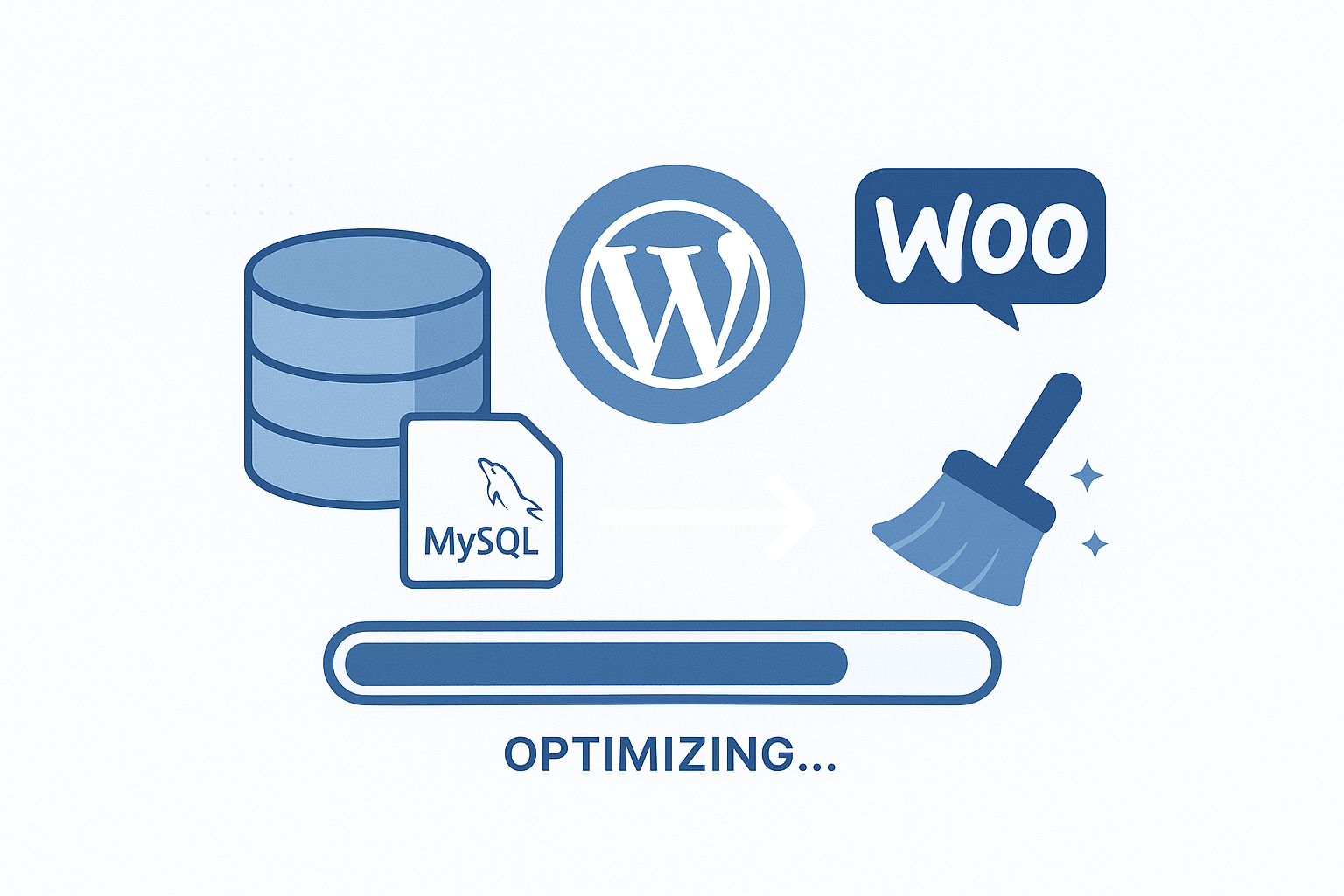
These tables grow rapidly with orders, abandoned carts, and product updates.
Key database optimizations include:
- Removing expired transients
- Cleaning abandoned carts
- Reducing autoloaded data
- Optimizing order tables
- Cleaning sessions
- Repairing and optimizing MySQL tables
This alone can result in 40–70% faster backend performance.
Lazy Load Product Images
WooCommerce product images are often the heaviest assets on a page. Lazy loading ensures images load only when they appear in the viewport.
Benefits include:
- Faster initial page load
- Better LCP (Largest Contentful Paint)
- Reduced bandwidth usage
- Higher mobile performance
We recommend using native lazy load + plugin-based lazy load for best results.
Optimize the Checkout Page Specifically
Your checkout page is the single most important page in the entire store. Slow checkout = lost sales.
Key checkout optimizations include:
- Removing unnecessary fields
- Disabling non-essential scripts
- Deferring JavaScript where possible
- Reducing payment gateway script bloat
- Using a lightweight checkout template
- Enabling checkout-focused caching rules (without caching dynamic content)
A high-performing checkout page can increase your conversion rate by up to 35%.
Reduce Payment Gateway Script Bloat
Stripe, PayPal, Klarna, AfterPay, and even Apple Pay load external JS files.
These scripts load on every page by default—slowing down your entire store.
You should restrict them to the checkout page only.
For full hands-on optimization, see:
WpSpeedFixer WooCommerce Optimization Service
Best Caching Strategy for WooCommerce
Caching is crucial for WooCommerce performance—but it has to be done correctly.
Many store owners unknowingly break their store by caching the wrong pages.
Let’s break it down.
What Pages You Should NOT Cache
Never cache:
- Cart page
- Checkout page
- My Account page
- Wishlist pages
- REST API endpoints
- Dynamic fragments
Caching these pages breaks sessions and causes checkout failures.
Object Caching for Product Queries
Object caching drastically reduces database load by storing reusable product data in memory.
Best solutions:
- Redis Object Cache
- Memcached
- LiteSpeed Memcache
This reduces server load and speeds up category browsing, product filtering, and search.
Recommended Caching Plugins
- WP Rocket (best overall)
- LiteSpeed Cache (best for LSC servers)
- FlyingPress (excellent for Core Web Vitals)
Each plugin offers:
- HTML caching
- CSS minification
- JS defer
- Critical CSS
- Lazy Load
- Cache preloading
- Database cleanup
But remember: caching rules must be WooCommerce-friendly.
WpSpeedFixer’s team customizes caching rules for optimal performance.
Image Optimization for Product Pages
Images are the single largest contributor to slow WooCommerce stores. Product pages, category grids, galleries, and featured images all load multiple large files.
Let’s break down the essential optimizations.
Bulk Image Compression Tools
Use tools like:
- ShortPixel
- Imagify
- Manually image optimization
- EWWW Image Optimizer
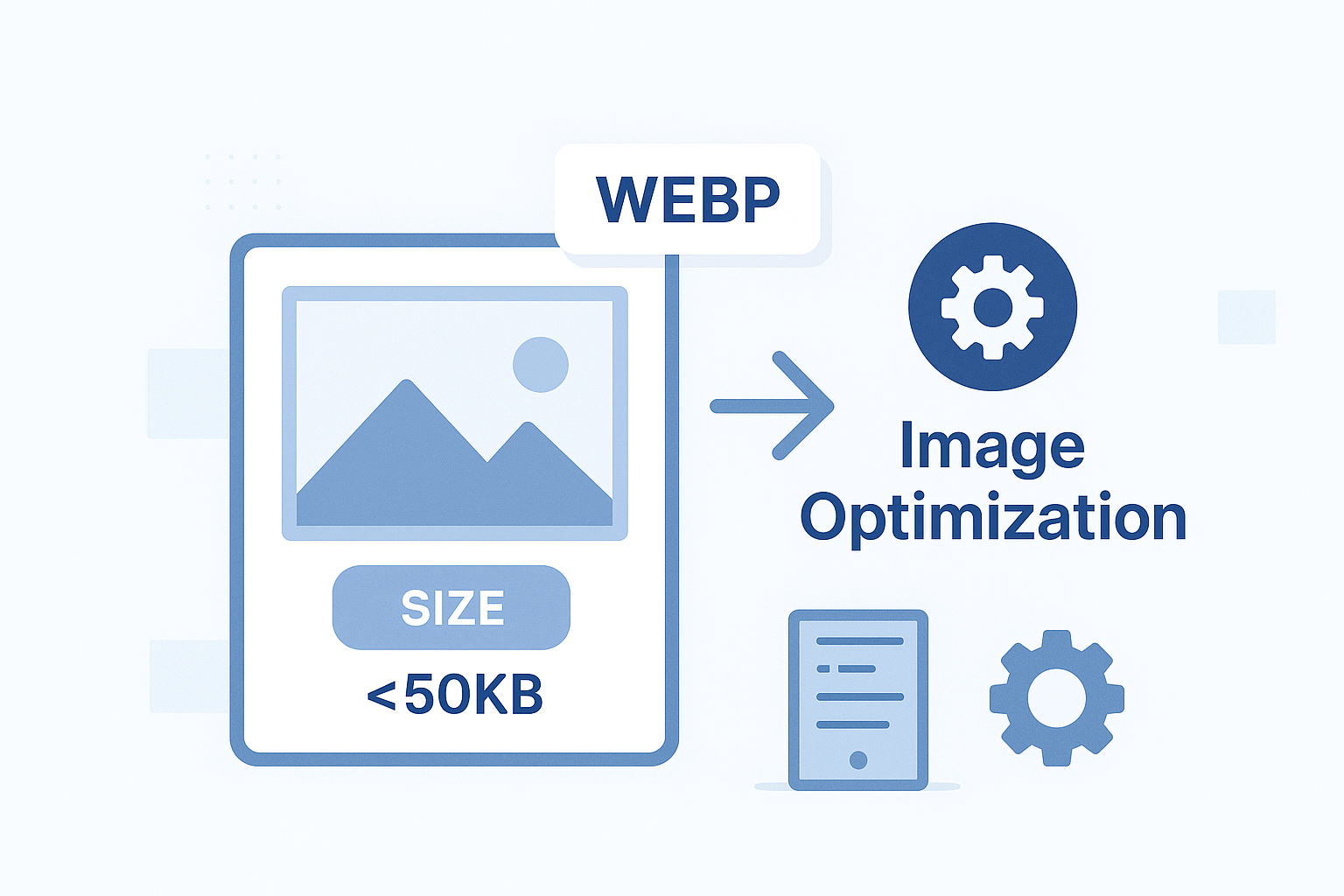
Compress images by 60–80% without losing quality.
Convert Images to WebP
WebP reduces image size by ~30–50% compared to JPEG or PNG.
Set your store to deliver:
- WebP on modern browsers
- JPEG/PNG fallback for older browsers
This significantly improves LCP scores.
Optimize Product Galleries
Many stores load:
- 10+ gallery photos
- Uncompressed thumbnails
- Larger-than-needed hero images
Best practices:
- Resize to 1200px max
- Use CSS cropping
- Lazy load gallery items
- Use adaptive image delivery
For professional-level speed tuning:
Get a Free Site Audit
CDN Setup for WooCommerce
A Content Delivery Network (CDN) speeds up your WooCommerce store globally by delivering static files from the server closest to your visitors.
Best CDN Providers for WooCommerce
- Cloudflare CDN (best free solution)
- BunnyCDN (best paid solution)
- KeyCDN
- Akamai
Cloudflare is especially beneficial because it helps reduce:
- TTFB
- DDoS threats
- Bot traffic
- Latency
CDN Configuration Tips
- Enable full caching for images, CSS, JS
- Exclude sensitive WooCommerce pages
- Use “cache everything” rules carefully
- Enable Brotli compression
- Set up image Polish (Cloudflare Pro)
A properly configured CDN can reduce load times by 30–70%.
Mobile Optimization for WooCommerce
Over 60% of WooCommerce traffic comes from mobile devices. If your mobile score is low, your sales suffer.
Mobile-first Product Pages
Optimize:
- Layout
- Buttons
- Fonts
- Product gallery
- ATC button placement
- Image adaptive serving
Fast Mobile Checkout
Strategies include:
- Autofill fields
- Apple Pay / Google Pay
- Smaller JS payload
- Optimized scripts
- Fewer redirects
Reduce Mobile CLS
Cumulative Layout Shift (CLS) kills user experience.
Fix CLS by:
- Setting image height/width
- Preloading key resources
- Using stable templates
Conclusion
If your WooCommerce store is slow, the problem isn’t your hosting alone—it’s the complex dynamic nature of WooCommerce. With proper optimization techniques—caching rules, faster checkout, reduced scripts, optimized images, object caching, and CDN configuration—you can achieve lightning-fast performance and sky-high conversion rates.
To help store owners get maximum performance, WpSpeedFixer.com offers:
WooCommerce Speed Optimization Service
FAQs
1. Why is WooCommerce slower than normal WordPress?
Because WooCommerce loads dynamic content—products, sessions, carts, inventory—unlike static WordPress sites.
2. How do I fix a slow WooCommerce checkout?
Optimize scripts, reduce fields, disable unused gateways, and enable checkout-specific performance rules.
3. Do too many plugins slow WooCommerce?
Yes—especially plugins that load JS/CSS on every page.
4. Should I use a CDN for WooCommerce?
Absolutely. A CDN can reduce load time by 40–70%.
5. Can WpSpeedFixer optimize my WooCommerce store?
Yes. They specialize in WooCommerce performance, Core Web Vitals, and checkout speed improvements.